


Dota 2 Updates: How to install, what types there are, and how often they're released
Dota 2 is a game that is constantly evolving and improving, which has allowed it to remain at the top of the multiplayer gaming scene for many years. The developers not only strive to improve game balance through updates, but also frequently introduce something completely new, sometimes even sacrificing features that worked perfectly well. In addition, the game is enriched with a variety of other content: cosmetic items, themed events, and seasonal events.
Updates in Dota 2 can be divided into several key types: gameplay, seasonal, event, and technical.
Gameplay Updates in Dota 2
Major gameplay patches in Dota 2 are released under specific version numbers (7.25, 7.36, 7.40, etc.). In these updates, the developers typically make significant changes to the “rules of the game”: they rework mechanics, alter the landscape, or introduce a new hero. Valve has experimented with the frequency of these updates several times. In the first half of 2018, the developers even decided to release patches strictly every two weeks, but they quickly abandoned that idea. In the years since and to this day, there is usually a gap of about six months between major patches.
The biggest patches in Dota 2 history:
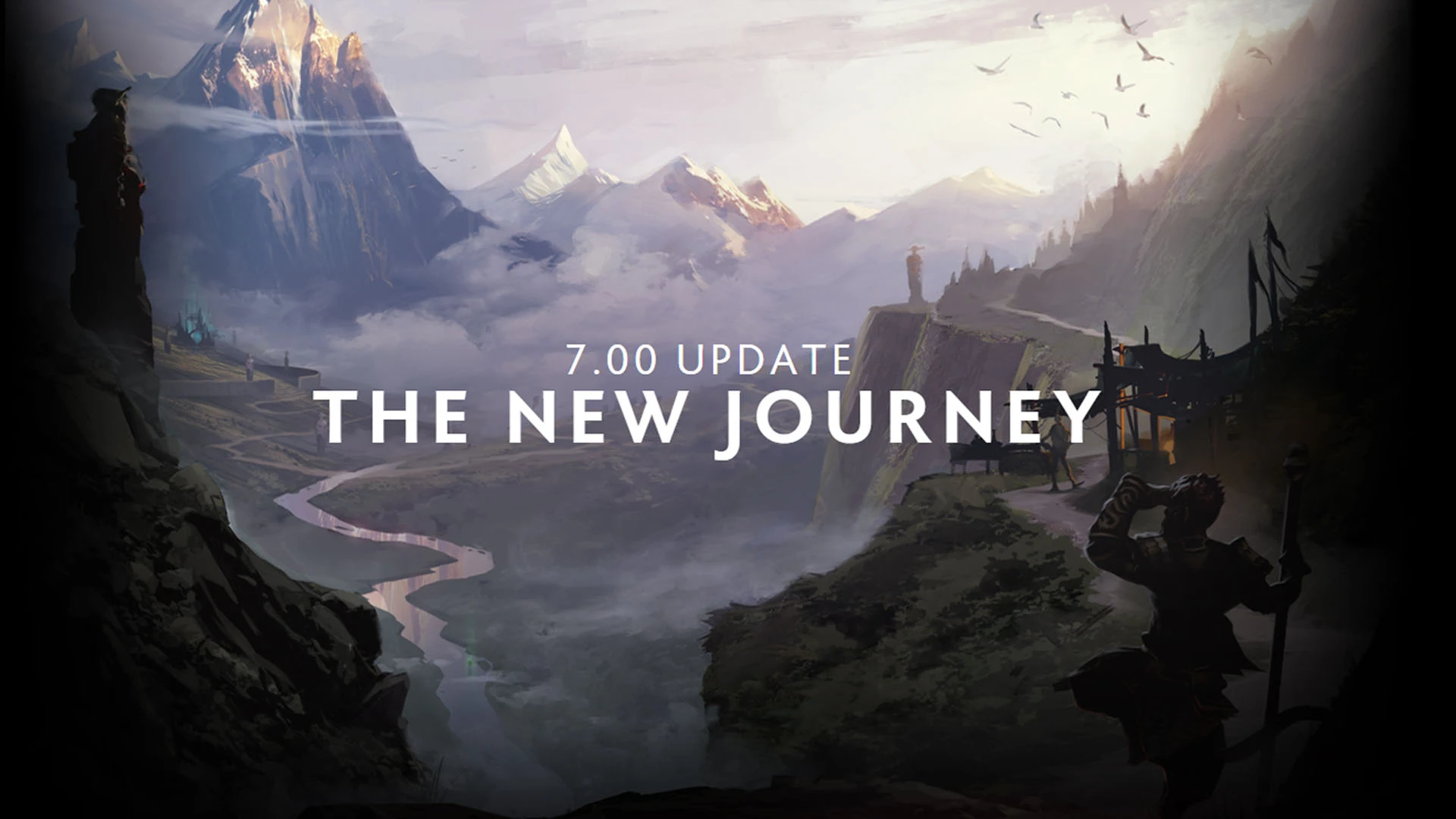
- Patch 7.00 “The New Journey” (December 2016): Before this update, the developers had largely focused on improving existing features, but with 7.00, they took their first steps toward radical changes. The in-game interface underwent a major overhaul; the “Talent Trees” and “Backpack” — features it’s now hard to imagine the game without — were introduced, and Monkey King was added.
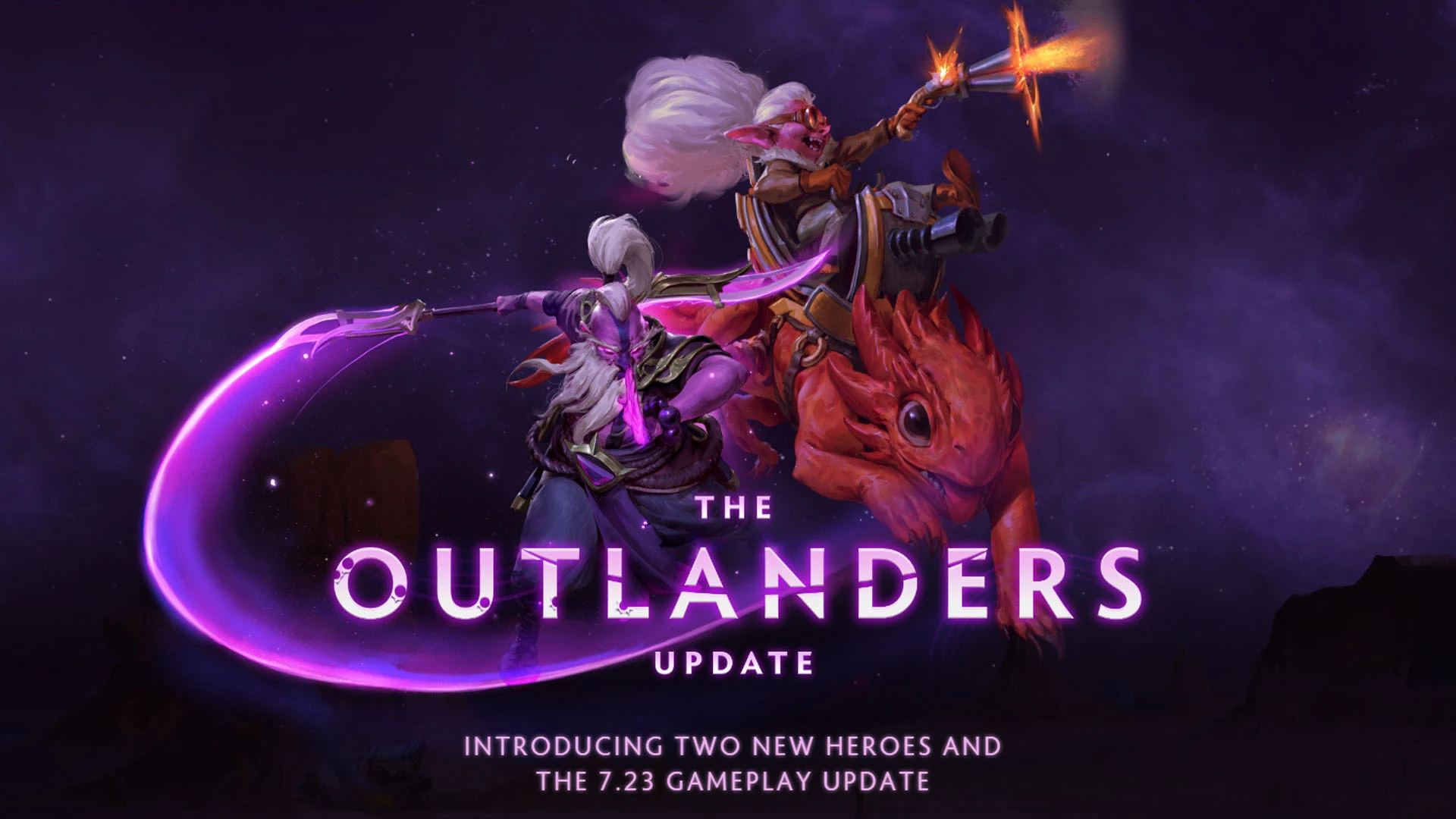
- Patch 7.23 “The Outlanders” (November 2019): neutral items and outposts were added, and the maximum hero level was raised from 25 to 30. But the main innovation that every player was excited about was a separate courier for each hero. Additionally, this update introduced Void Spirit and Snapfire.
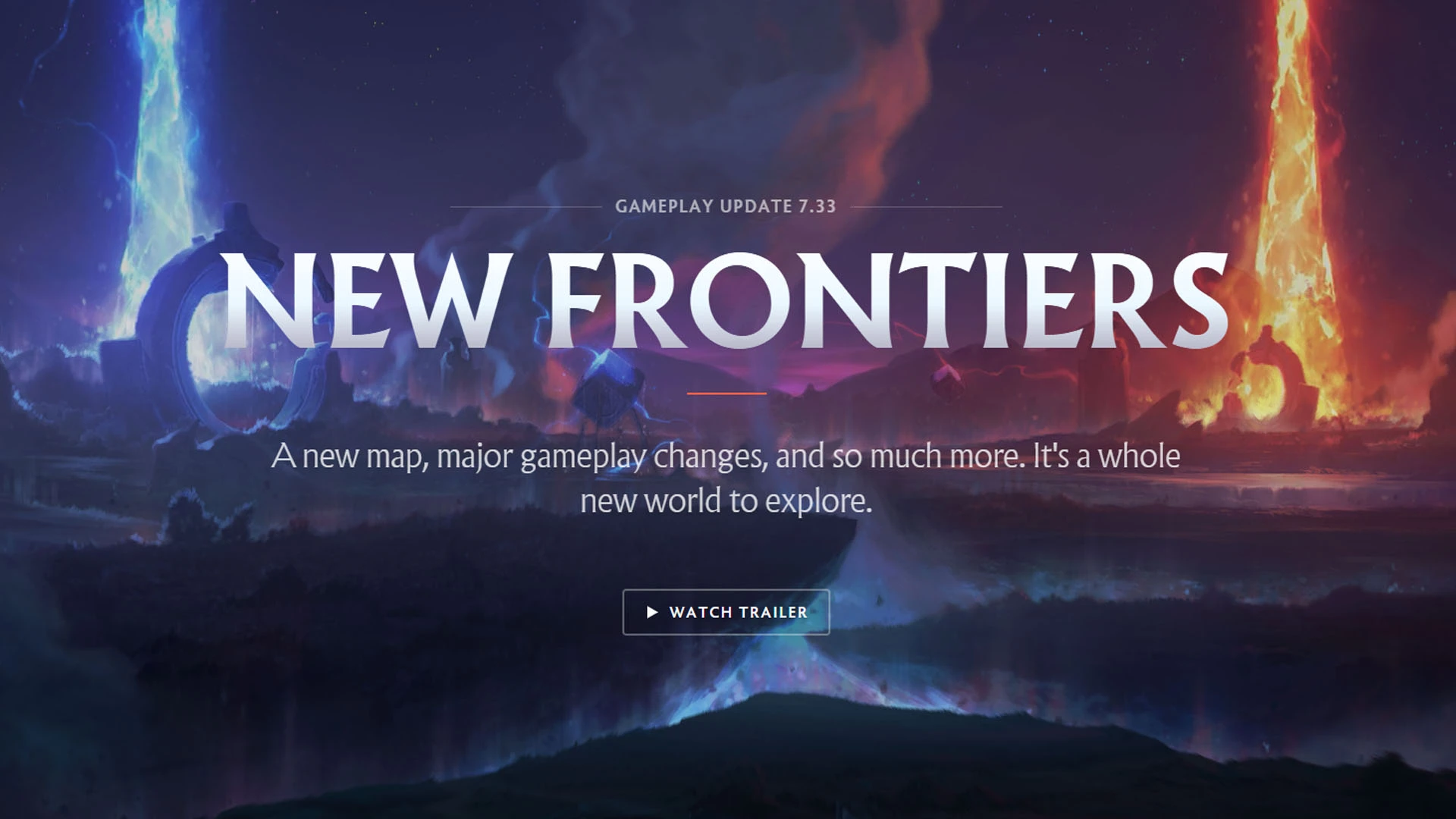
- Patch 7.33 “New Frontiers” (April 2023): For the first time, the game’s map was significantly expanded. New map objects were added: Tormentors, Watchers, Twin Gates, Lotus Pools, and two Roshan`s pits. Runes of Wisdom and Shield were added. A new hero type — “Universal” — was introduced, and the Black King Bar mechanic was reworked. The ranked matchmaking system was updated, and Immortal Draft was introduced.
In addition to “numeric” patches, Dota 2 also releases so-called “letter” updates (7.25b, 7.36c, 7.40d, etc.). In these, developers rarely make significant changes, merely tweaking the balance after major updates. However, sometimes mechanics are reworked or even new heroes are introduced as part of such patches.
Seasonal Updates and Events in Dota 2
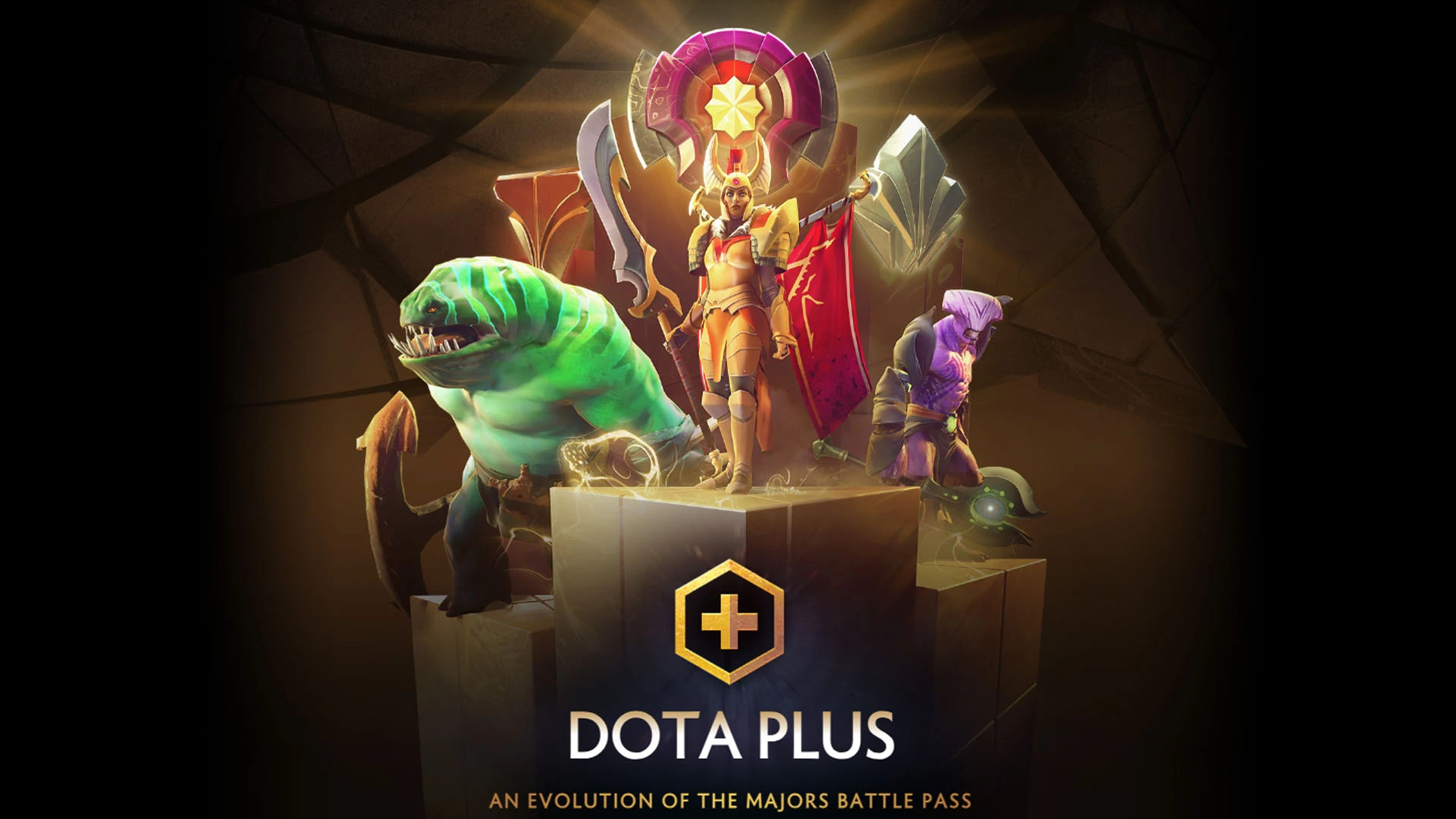
Seasonal updates in Dota 2 are mainly tied to Dota Plus. Every spring, summer, fall, and winter, players are given new quests to earn shards, a corresponding terrain, and a “Battle Report” detailing their achievements from the previous season.
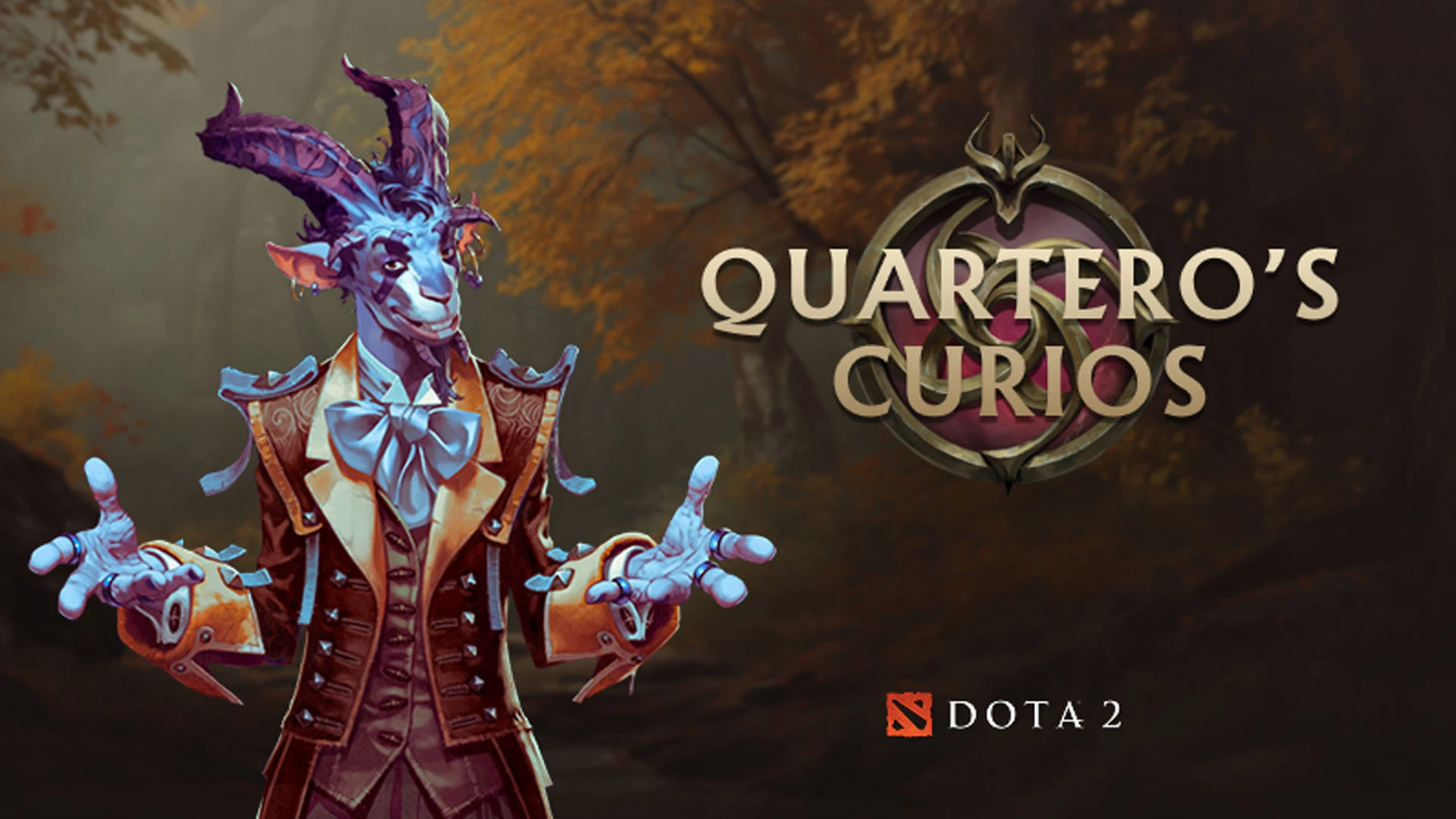
In 2025, another seasonal update feature was introduced to Dota 2—“Quartero’s Curios”. This recurring event features three unique cosmetic sets, seasonal visual effects, and “Antiques”, which contain a random set or item, including rarities such as Immortal or Arcana. Players earn rewards by leveling up while playing Dota 2.
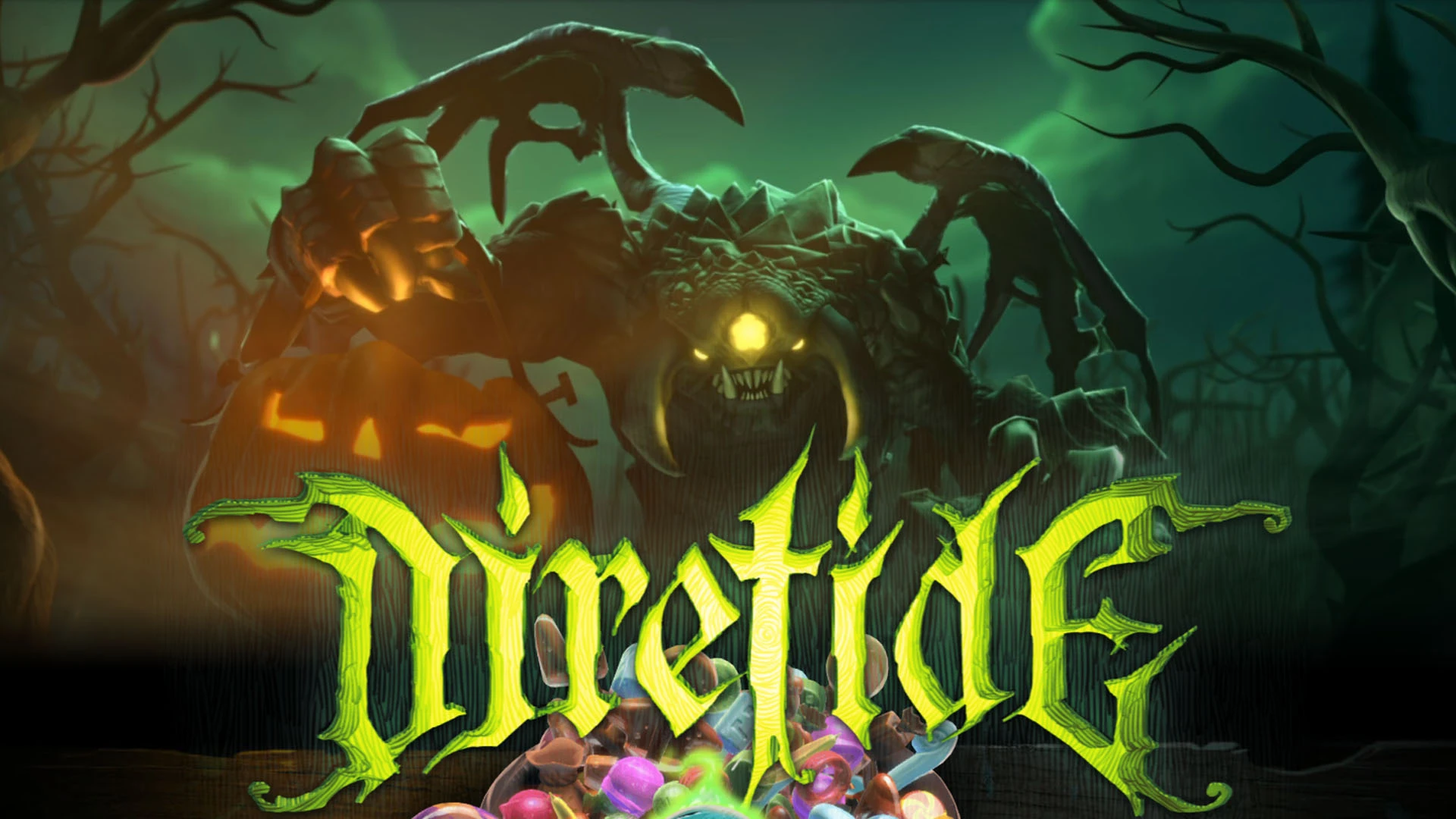
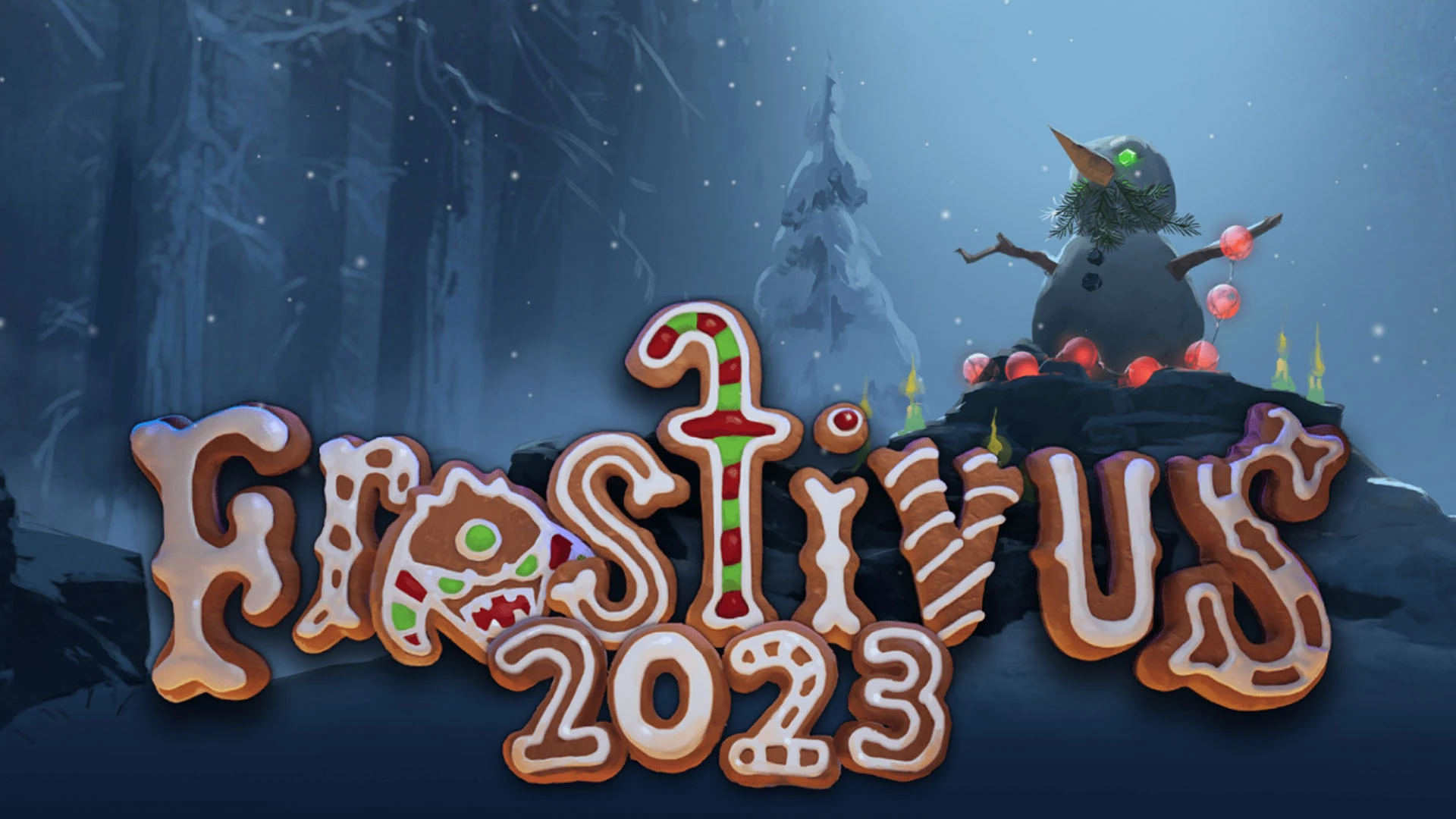
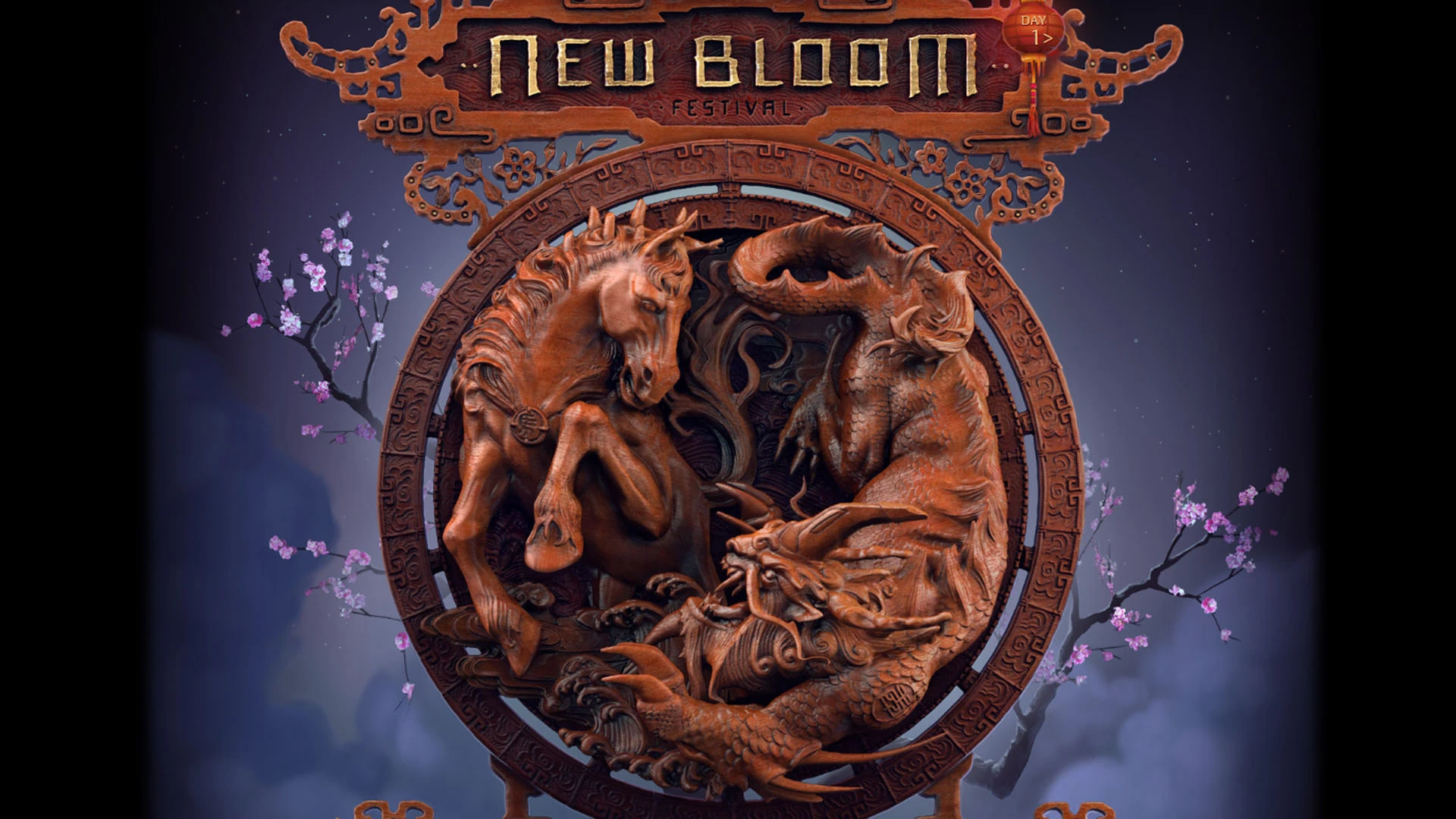
The game also features seasonal events tied to holidays: Diretide (Halloween), Frostivus (New Year’s), New Bloom (Chinese New Year), and others.
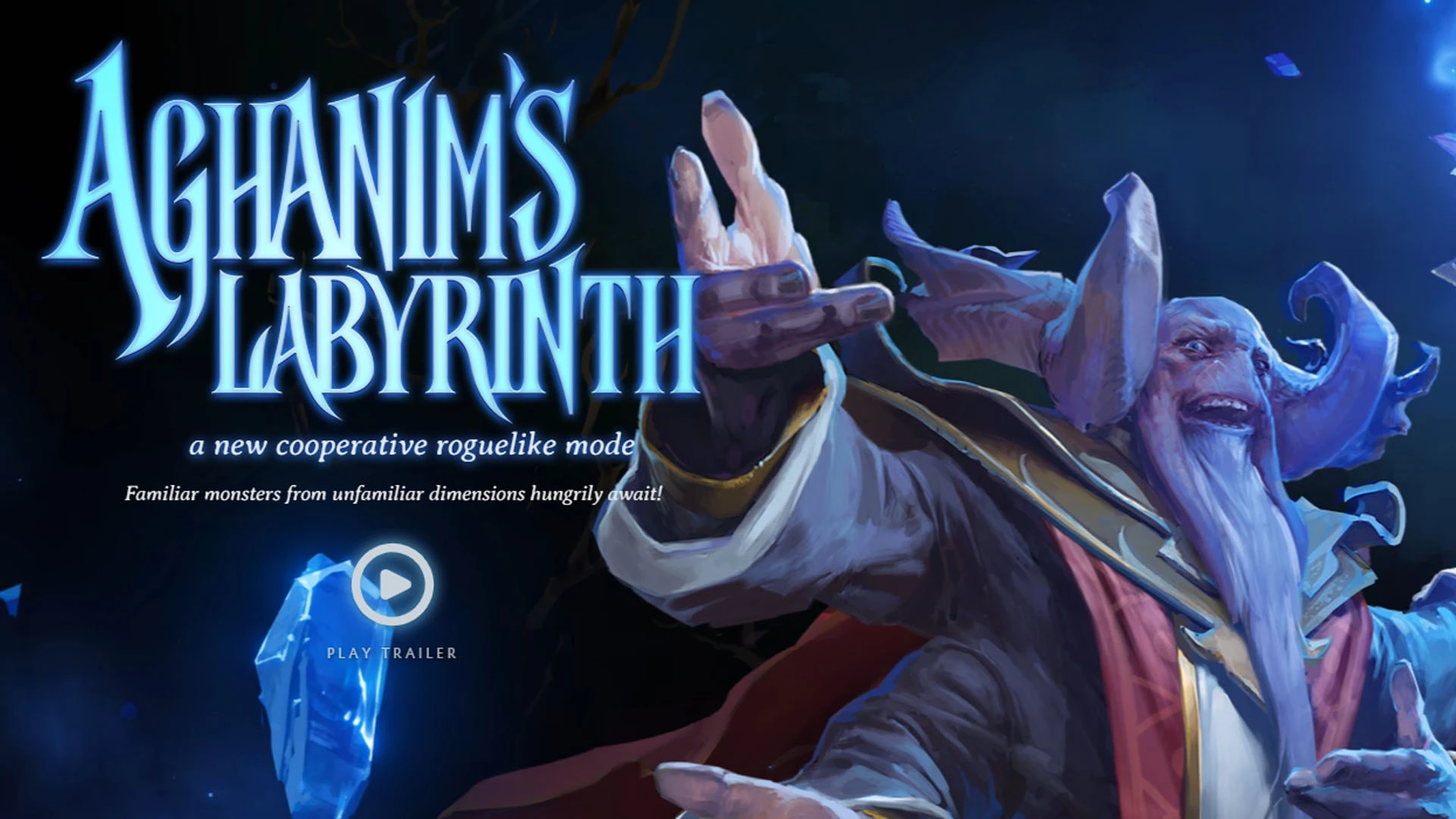
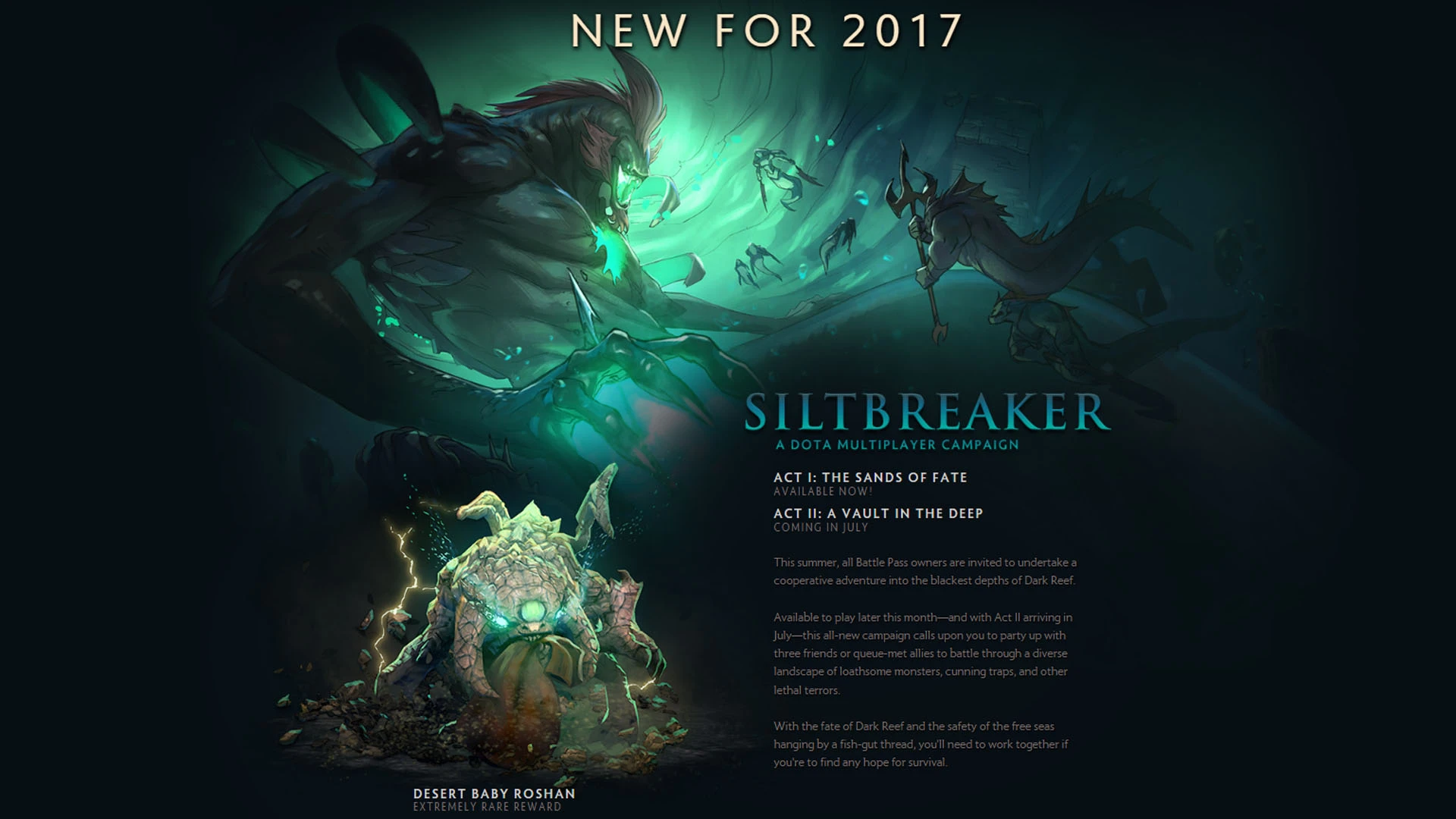
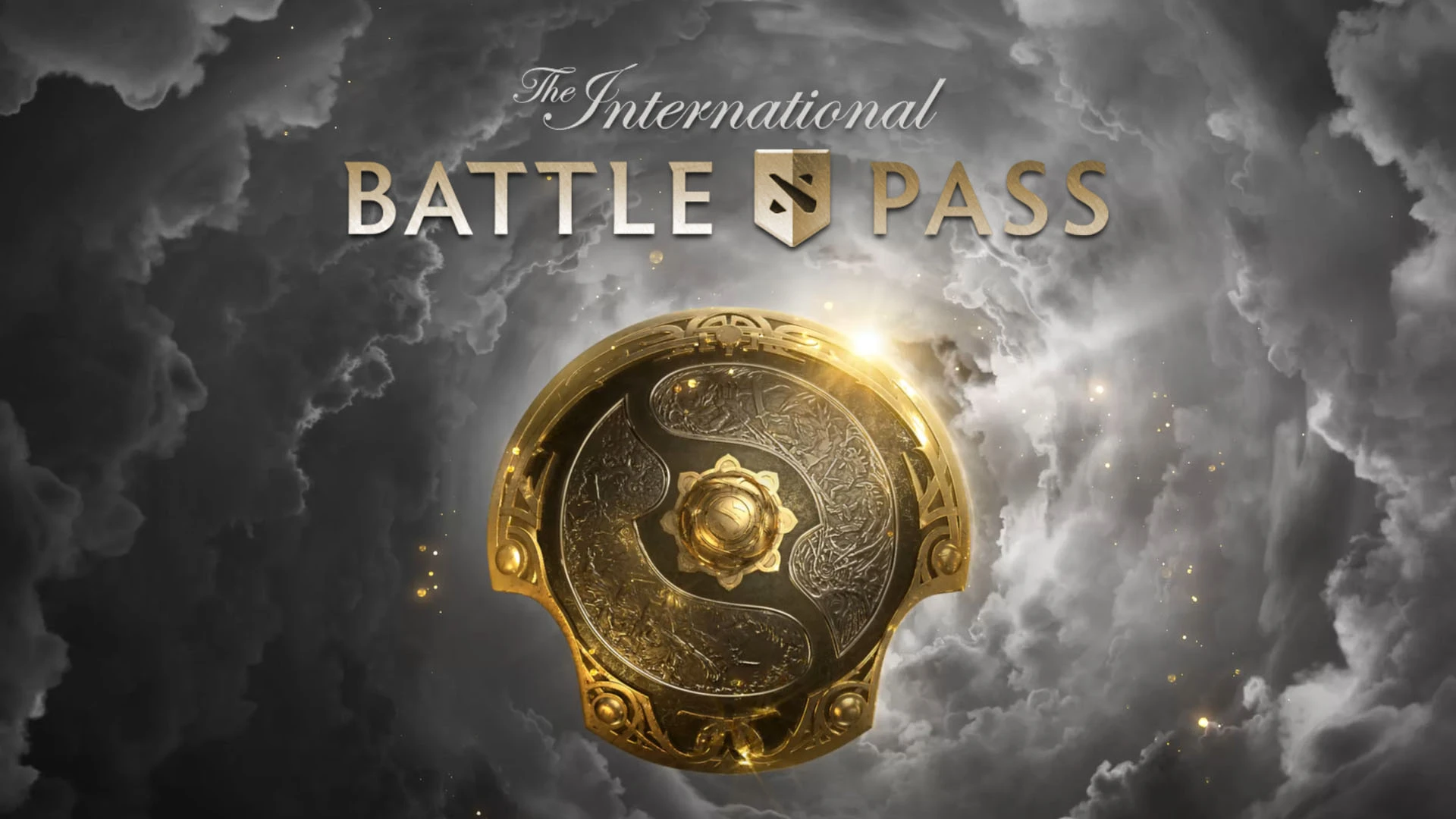
An important part of Dota 2’s entertainment content has been the Battle Pass, tied to The International and several major tournaments in the Dota Major series. In addition to a huge number of cosmetic items and other unique rewards, the Battle Pass also introduced PvE events beloved by players, such as Siltbreaker and Aghanim’s Labyrinth.
In 2023, Valve abandoned the Battle Pass system. The Compendium, which had been an integral part of it but focused on the tournament itself (fantasy league, bracket predictions, player cards, etc.), became the sole element of the TI celebration within the game.
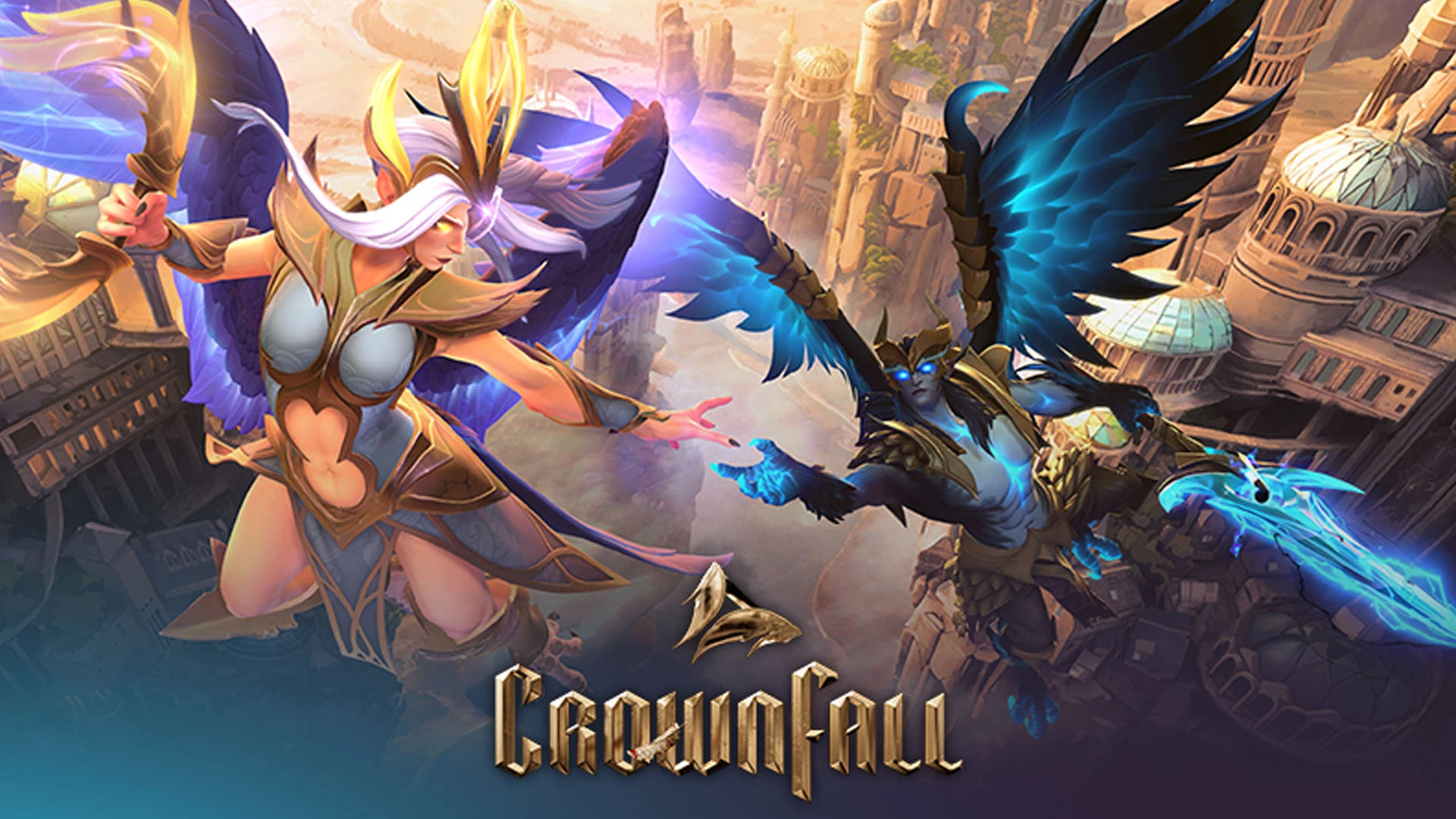
The developers decided to release entertainment events as separate, themed long-term events. The first of these was the “CrownFall,” followed by the release of the “Dark Carnival”, which was extremely similar in structure.
Dota 2 Technical Updates
The developers typically do not draw users’ attention to the game’s technical updates. They gradually implement changes and publish a report on the work done approximately once a month on the game’s official website.
Most of the changes in these updates are usually fixes for gameplay bugs, visual glitches, and other issues.
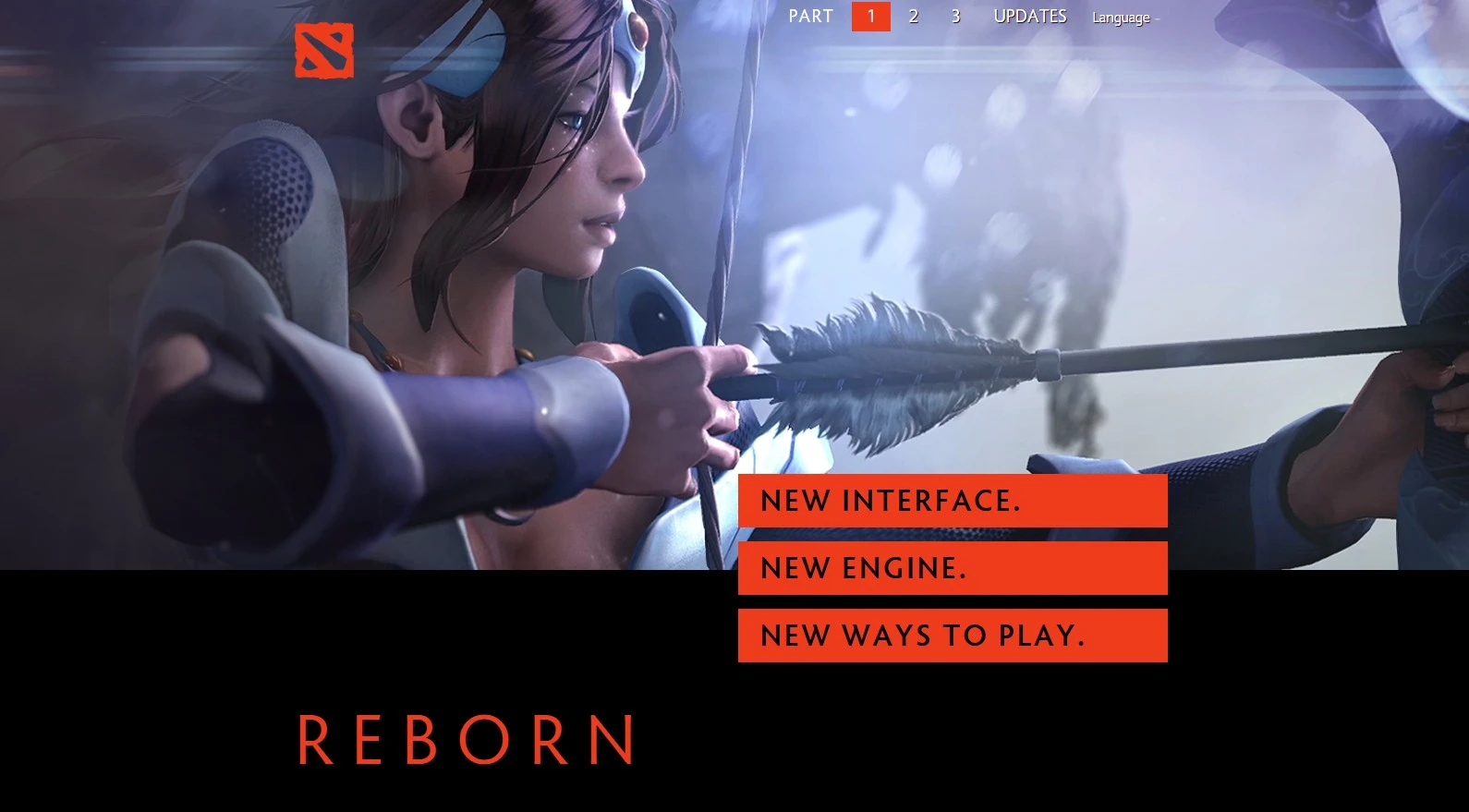
Among Dota 2’s technical updates, the one titled Reborn (June 2015) is particularly noteworthy. The game transitioned from the aging Source engine to the new Source 2. The main interface was redesigned, and performance and physics were improved. User-created mods (custom games) were introduced to the game.
What truly sets Dota 2 updates apart from those in other multiplayer games is what’s known as “Valve-time.” This tongue-in-cheek term arose because the developers very often fail to release updates by the announced deadline.
As is well known, this phenomenon stems from Valve’s unique corporate culture. In the absence of strict managers and mandatory deadlines, employees are encouraged to work on projects that genuinely interest them. As a result, releases and updates follow a flexible schedule that depends entirely on the employees’ interests and development cycles.
For example, the event marking the tenth anniversary of Dota 2’s release on Steam took place a month later than planned, and the “CrownFall” which began in May and was supposed to end by the end of summer, lasted more than half a year due to delays in releasing new acts of the event. According to the developers, they always try to embrace unpredictability and let the data guide the development path.
How to Install an Update in Dota 2
Since Dota 2 runs through Steam, updates are only distributed through this gaming platform. This usually happens automatically when you log into Steam. You cannot launch the game without installing the updates. If the process doesn’t start automatically for some reason, you can trigger the update manually: the “Update” button will appear where the “Play” button is in your Steam library.
Additionally, you can set the update priority for Dota 2 in Steam. To do this, go to the game’s settings in your library. Next, open the “Updates” tab and select “Download updates immediately” so that Dota 2 updates are installed first.
If the update still doesn’t start, you can try the following solutions:
- In the Steam client, click in the top-left corner: Steam > Settings > Downloads. Find the “Clear Download Cache” button and click it. Steam will restart, and you’ll need to log back into your account. After that, the installation should complete successfully.
- Checking the integrity of the game files in the “Installed Files” tab of Dota 2’s settings in your Steam Library can also help resolve update issues. If the check detects an error, the update will be automatically reinstalled.
- Make sure you have enough storage space to download the update.
Note that server load or maintenance work may also affect update installation. In that case, try downloading the update later.


by CyberScore